
Player search
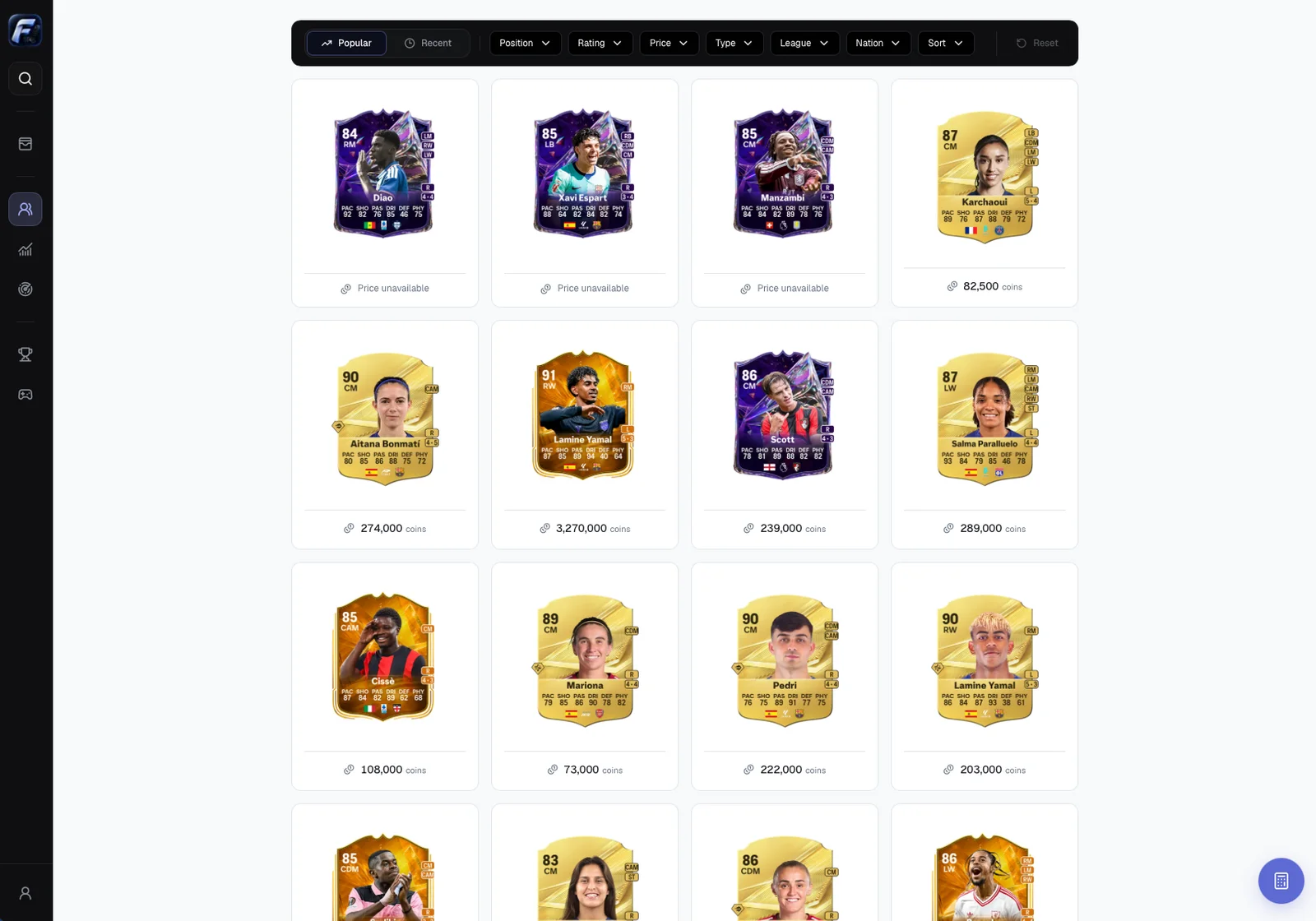
Find FC 27 cards, filter the catalogue and choose the exact version.
Open Players
Select Players in the sidebar to browse card selections and search by name. Sidebar quick search also finds players from other pages.
Search by name
Enter a name and let the results update. Identify the intended card using its artwork, rating and rarity, then open its player page.
Versions of the same player can have different prices and histories. Always check the exact version before recording a purchase; name and rating may not be enough.
Browse Popular and Recent
Popular shows a selection of popular cards. Recent explores cards recently listed by the source. These are starting points for research, not profitability rankings.
Combine catalogue filters
| Filter | Purpose |
|---|---|
| Position | Card position |
| Type | Category/version such as Gold, Special, Heroes or Icons |
| League / Nation | League and nationality |
| Rating | Rating range |
| Price | Price range on the selected market |
| Sort | Available price or rating order |
On narrow windows, scroll the filter bar to reach additional controls. Reset restrictive filters when no cards match.
Add from quick search
Add an investment in Portfolio opens the purchase search. Choose the exact card and complete the purchase form, checking its name and version before saving.
Missing results or prices
Try a shorter part of the name, clear filters and verify your selected market. A listed card may have no usable price; the app shows it as unavailable rather than zero. See Troubleshooting if the catalogue remains inaccessible.