
Introduction
The FutCall user guide, from your first sign-in to tracking investments.
FutCall is a Windows and macOS application for finding FC 27 Ultimate Team cards, examining their market and recording your investments. These guides cover account creation, purchases, sales and private Discord alerts.
Start using FutCall
Install FutCall
Create an account
Activate your free licence
Your first investment
Your workspace
The app sidebar opens Portfolio, Players, Market Movers and Radar. The account icon at the bottom opens Profile and settings. Guides retain the English button names used by the software so you can find the corresponding controls.
Find the right guide
| Task | Guide |
|---|---|
| Find the exact card version | Player search |
| Read prices, charts and recent market sales | Player page |
| Record a purchase | Add an investment |
| Track open positions and purchase lots | Track your investments |
| Record or correct a sale | Sales and history |
| Try a scenario separately | Simulated portfolio |
| Set a private price or profit notification | Discord alerts |
| Examine movements and selected cards | Market Movers, Radar |
Screenshots and prices
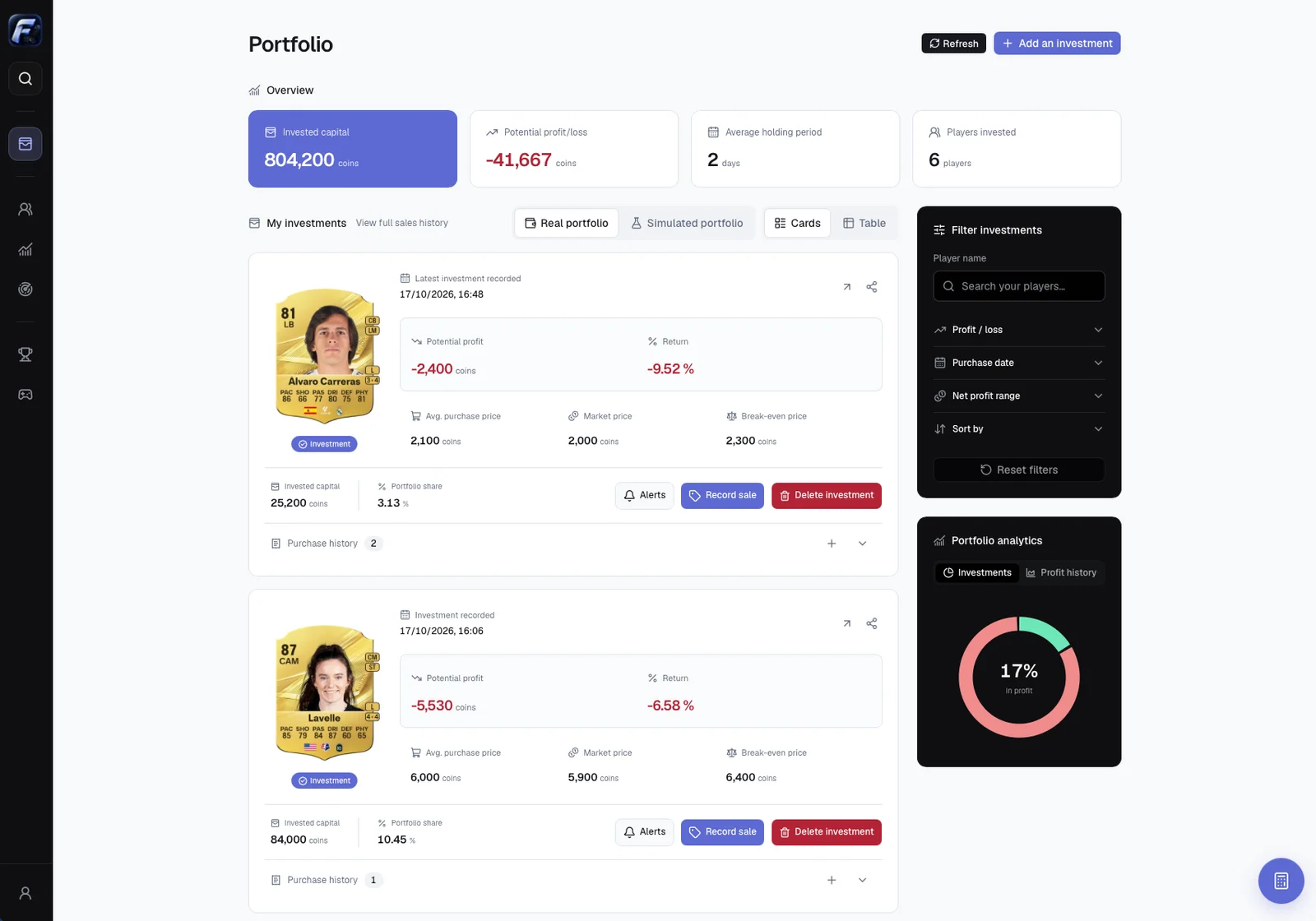
Screenshots show the software interface with illustrative data. Prices are snapshots, not current quotes. Click an image to enlarge it. Appearance may vary with the installed version and theme.
FutCall records the operations you enter. You buy and sell cards in the game or its official tools: Save purchase and Save sale do not execute transactions on the Ultimate Team market.