
Feature overview
Find the software feature you need and its usage guide.
Four workspaces
| Workspace | Purpose | Guide |
|---|---|---|
| Portfolio | Purchases, lots, profits and sales | Track investments |
| Players | Card search and catalogue | Player search |
| Market Movers | Gains, losses, trends and fodders | Market Movers |
| Radar | Cards retained by market observations | Radar |
Account and access
Register with email confirmation or available Discord sign-in, then complete profile, market and free licence setup. Request the key with /request-key in Discord. See Account, Licence and Settings.
Card research
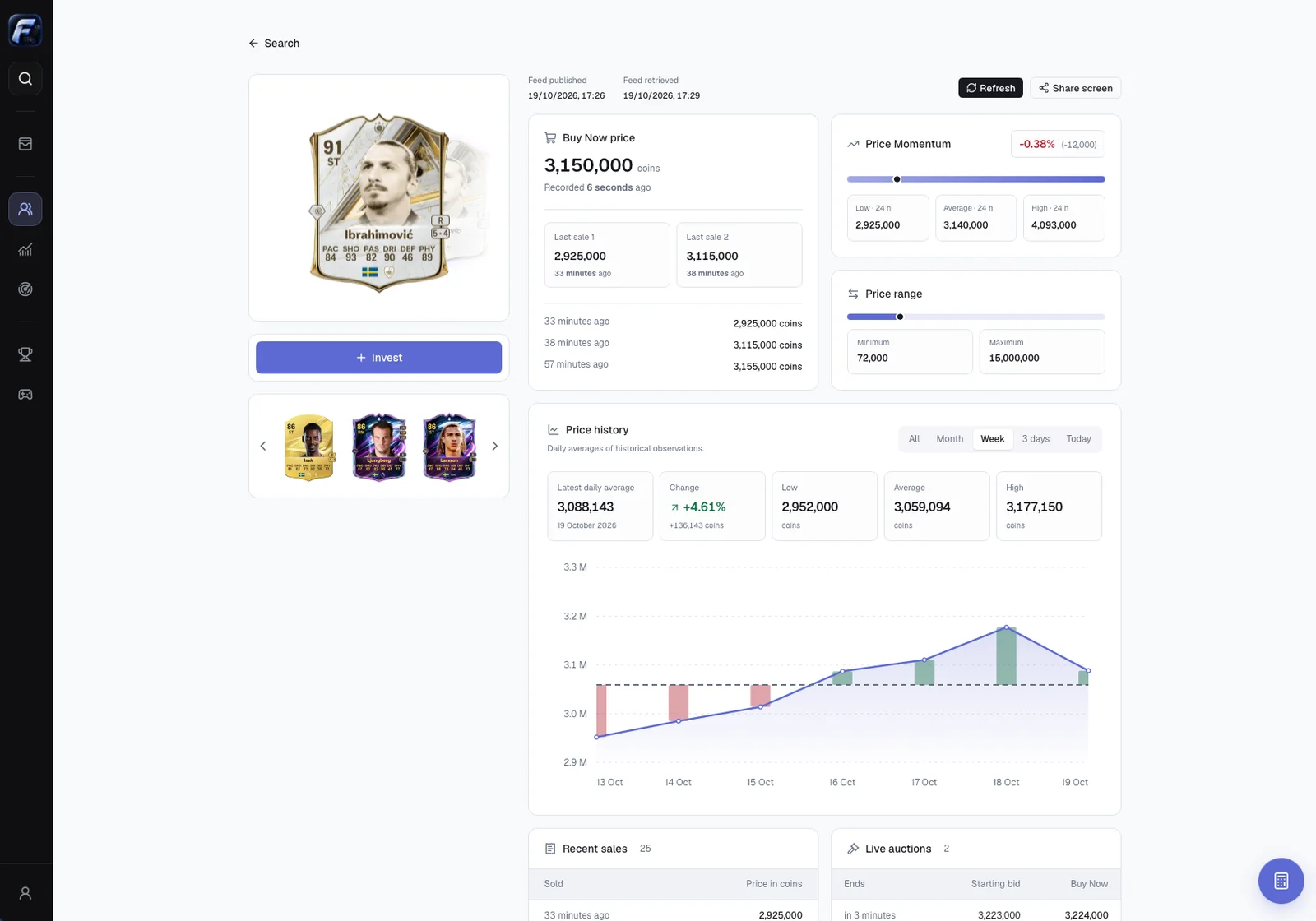
Browse Popular and Recent, combine catalogue filters and choose the exact card version. Player pages bring together available prices, history, recent sales, auctions and other versions.
Purchases and positions
Purchases retain unit price, quantity and date. Lots are grouped by exact card, market and portfolio. Positions show cost, weighted average, valuation and potential profit after tax. Real and simulated purchases stay separate. Total/partial sales retain realized results in full history. See Purchases, Simulations and Sales.
Alerts and sharing
Discord conditions monitor after-tax return, target price or total remaining-position profit every fifteen minutes, even with the app closed. Sharing creates player or position images for download, link copying or device sharing. See Alerts and Sharing.
Data limits
Prices depend on the source. Missing observations can make totals partial without deleting purchases. Market estimates and recovery scenarios do not guarantee resale prices. FutCall records your entries; it neither places orders nor automatically synchronizes every in-game operation. See Calculations and Troubleshooting.